

What do I do?
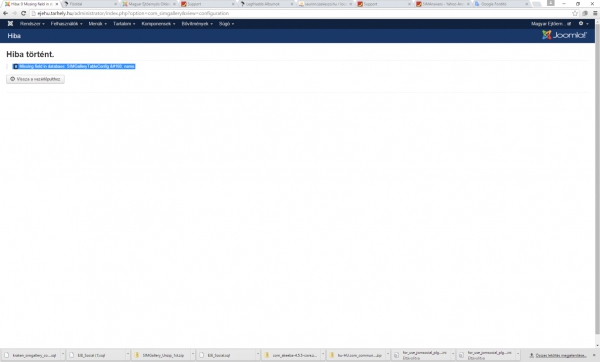
"0 Missing field in database: SIMGalleryTableConfig   name."
Upgrade SIMGallery (standard) 3.2.1 and SIMGallery (Pro add-on) 2.2.0
After installation, go to SIMGallery's configuration > Media tab. Click on the "Reprocess Photos" button to reprocess all your existing photos.
Error: "0 Missing field in database: SIMGalleryTableConfig name."
Temporaly the new page is http://ejehu.tarhely.hu the old one is http://www.eje.hu
Asked 10 years 6 months ago
Add update
Answers (3)
These answers are visible to SIMGallery customers only
Please Purchase SIMGallery first or Login.
Report Abuse
Report Abuse
SIMBunch Answers powered by SIMAnswers from SIMBunch